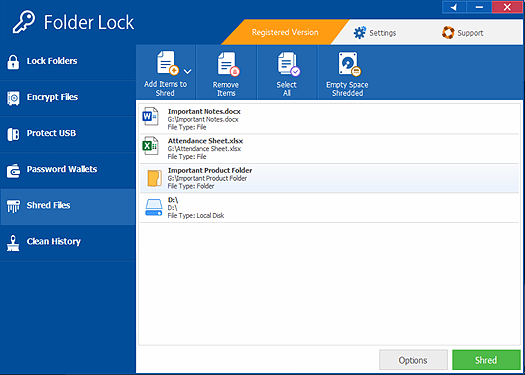
Use Folder Lock only as a local archive control
Folder Lock may fit selected Windows storage and milestone-archive workflows after version-specific testing. It does not replace a procurement portal, enterprise identity, workspace permissions, CUI requirements, guaranteed backup or institutional approval.
A supplier pilots Folder Lock with fictional bid files, records the release and license, tests locker creation, import, lock/unlock, restart, backup and recovery, then approves only the tested local archive use.
Run the control in five steps
- 01Verify the current release, license and supported Windows environment.
- 02Create a test locker using fictional bid files.
- 03Test import, lock, unlock, editing residue and restart.
- 04Test independent backup and recovery.
- 05Document approved uses, exclusions and support ownership.
Preserve the decision trail
Keep version, installer source, license, system, test manifest, access result, residue check, recovery result, exclusions and review date.
Stop and investigate when
- Product artwork is treated as independent assurance.
- The tool is described as a portal or CUI compliance system.
- Recovery is promised without a representative test.
State what this does not prove
Does not replace provider permissions, guaranteed backup, password recovery or enterprise identity management. Solicitation rules, portal identity, contractual safeguards and authorized review remain separate.
Read every supplied interface with its limitation
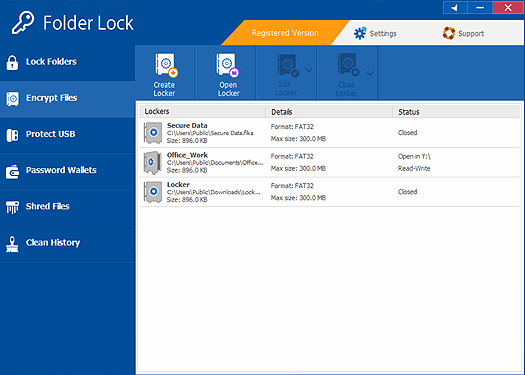
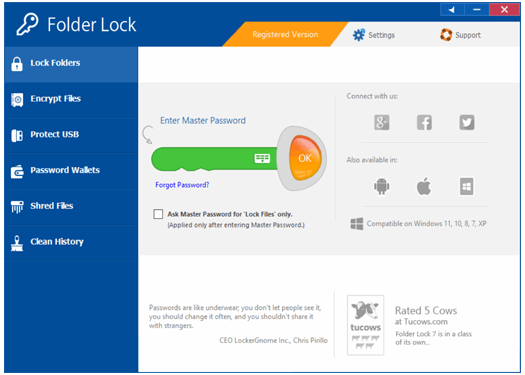
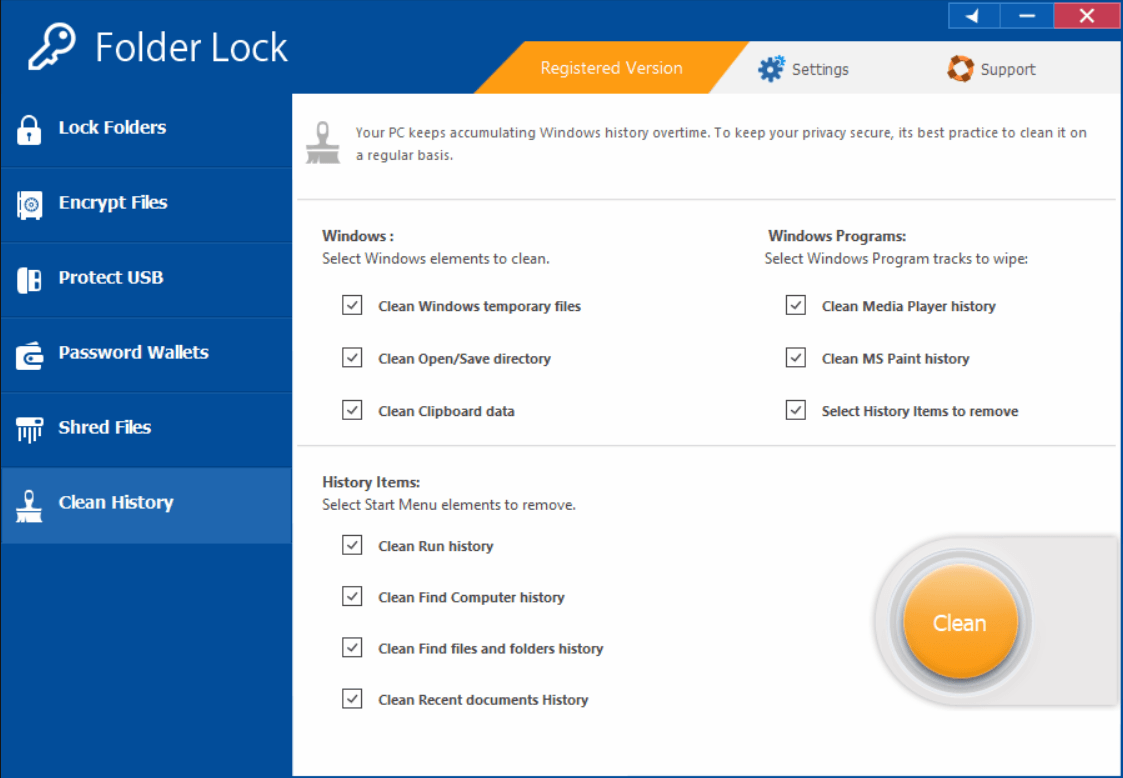
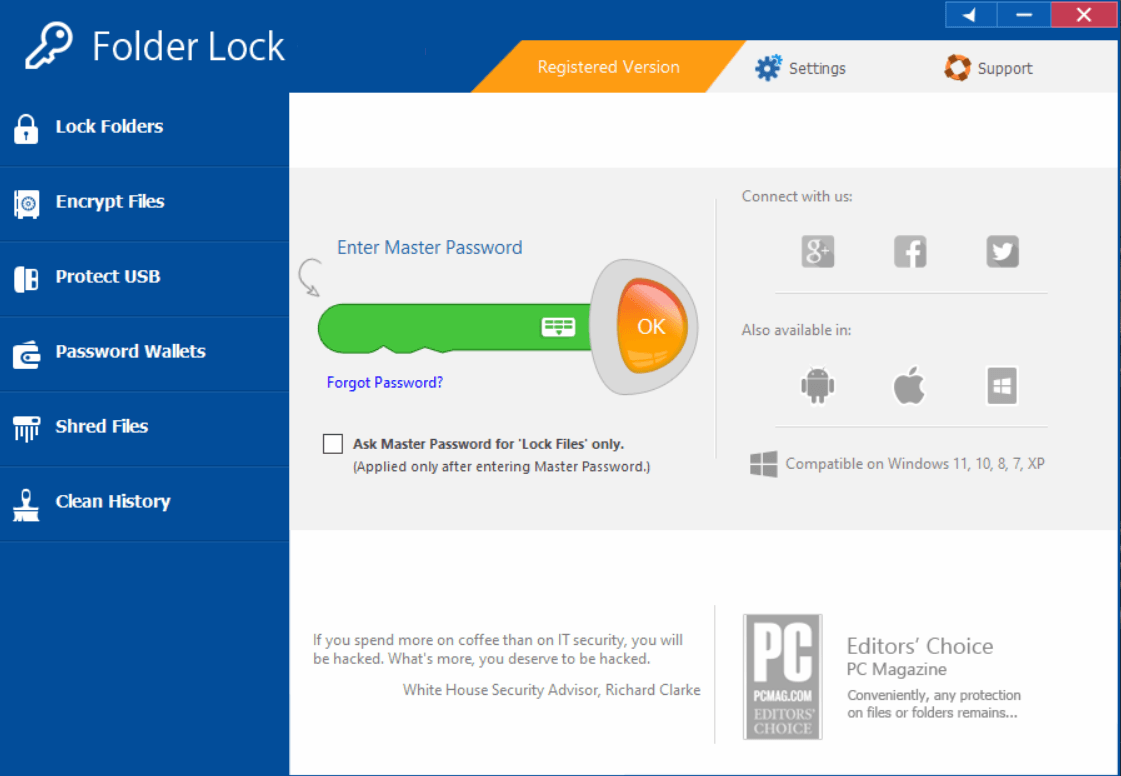
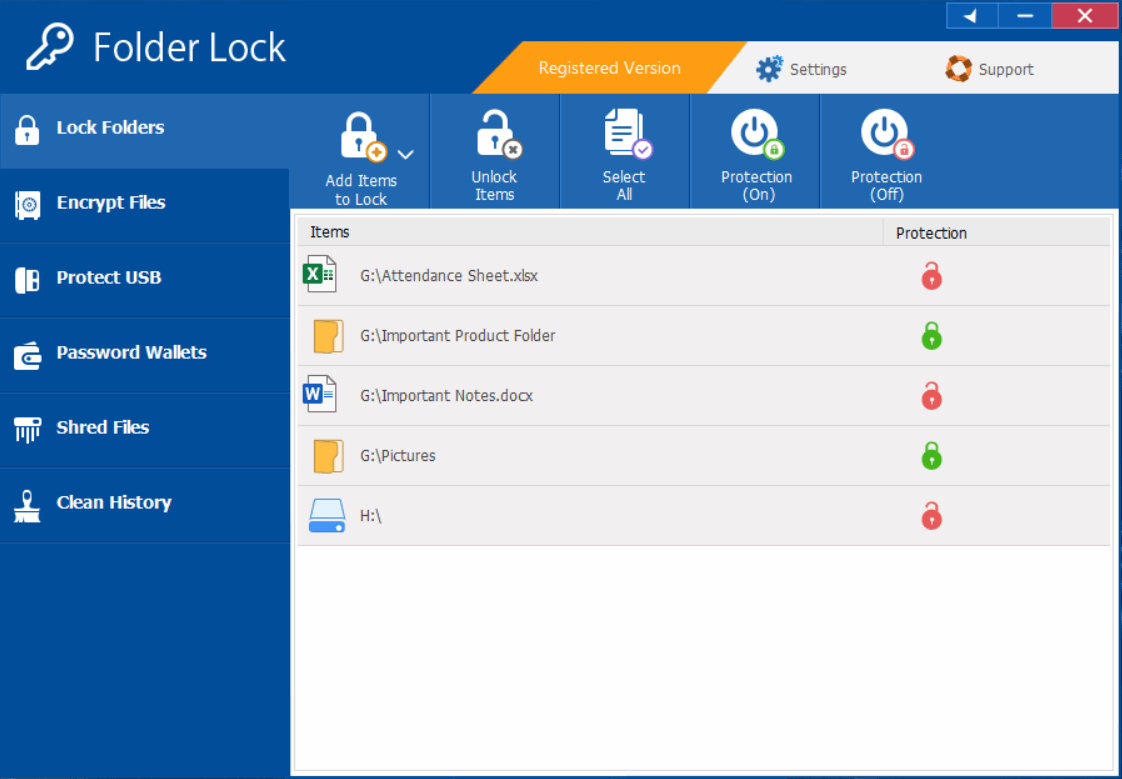
Verify the current release, licensing, compatibility, plaintext residue, recovery and procurement-system boundaries.
Procurement bid security questions
Does Folder Lock replace the tender portal?
No. Portal identity, permissions and submission confirmation remain separate.
Do supplied screens prove current behavior?
No. They identify a product family; verify the current release in the real workflow.
Sources for this decision
Links support specific boundaries and do not imply endorsement.